ZenMaid vs Service Puffin
Leaving ZenMaid?Bring your clients.
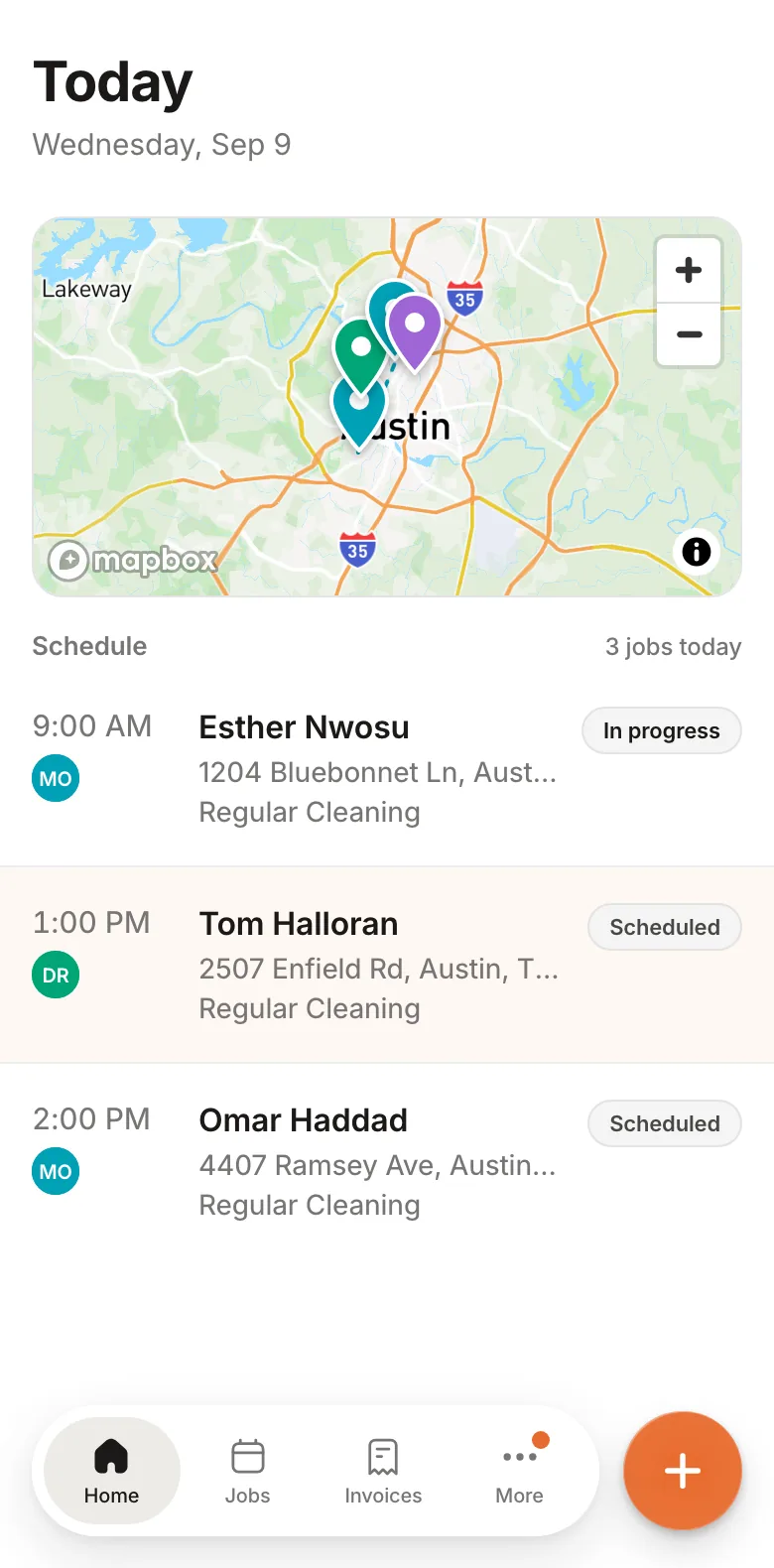
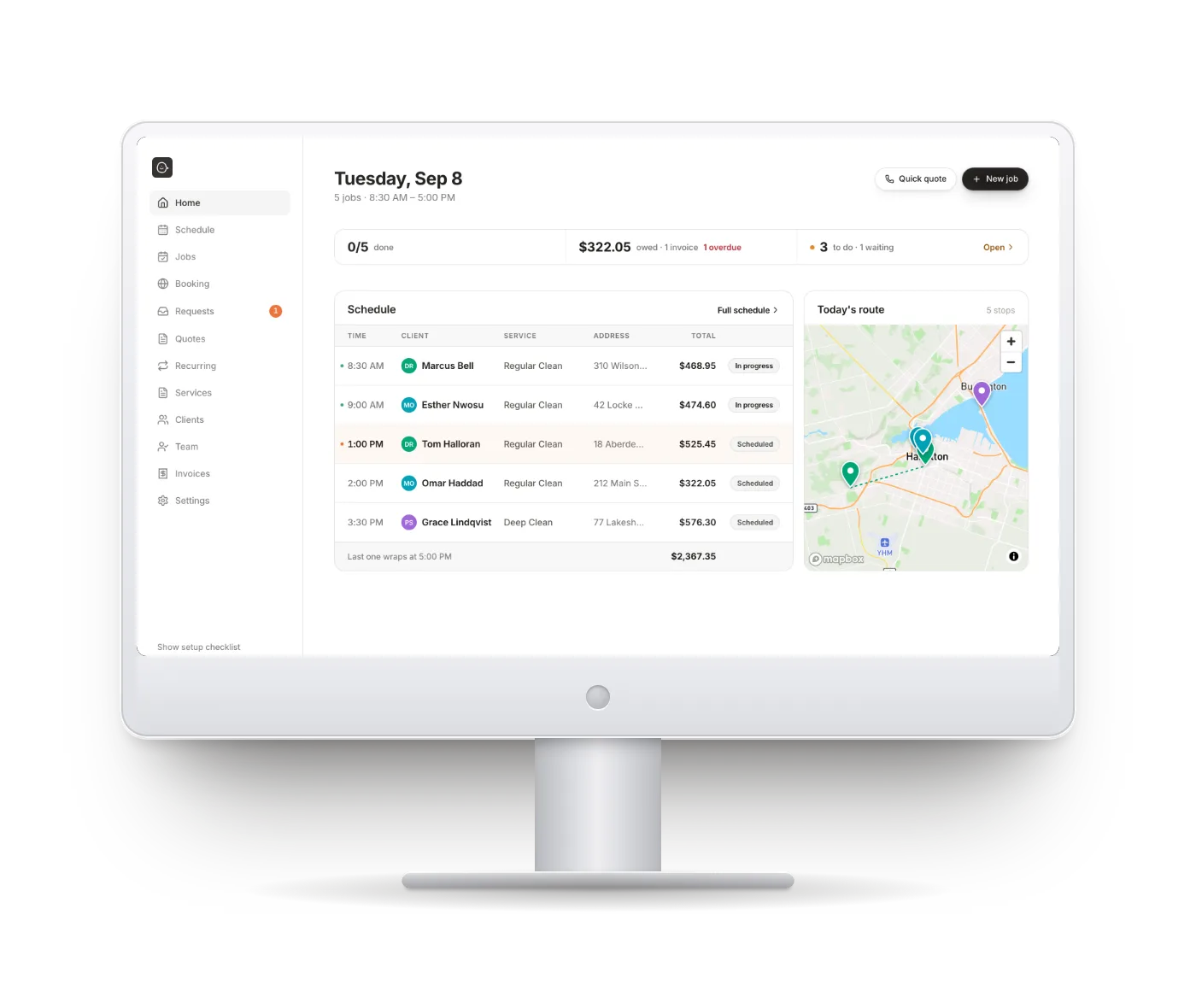
One flat price, no seat fees, texting included. Your cleaners see their day on their phone. Solo or with a team.
14-day trial · No credit card · 1:1 migration


The Short Version
What you’d pay.
 ZenMaid
ZenMaid Starter is $19 + $4 a cleaner but caps at 40 visits a month with no booking page. Pro is $39 + $14 a cleaner, Pro Max $49 + $24, so six on Pro Max is $193. From their pricing calculator, checked 9 September 2026.
Text messages
ZenMaid: billed on top, in bundles
Included
Appointments
ZenMaid: 40 a month on Starter
Unlimited on every plan
Booking page in your colours
ZenMaid: Pro Max only, $49
Included, day one
Your cleaners' app
ZenMaid: App Store app, 3.3 stars
Same app. Works offline
Support
ZenMaid: chat, no phone line
Founder replies. Setup on a call
Moving your data
ZenMaid: Free, they upload your list
Done with you, on a call
In Their Reviews
Sound familiar?
“Having to pay for extra SMS messages.”
Reminders, on-the-way texts, invoices and receipts are part of the plan. Nothing to top up.
“1-2 workers who can’t see their schedule at all.”
The app opens with no signal. Jobs they’ve opened stay on the phone with the checklist and door code, and ticks, notes and photos send when the signal is back.
“You can’t get to talk to someone over the phone.”
The founder replies to every message. Your setup is done with you on a call, not left to a wizard.
“Doesn’t mark invoices paid in all areas when marked paid.”
One Paid pill, the same on the job, the invoice and the client. Card on file charges after the clean and the receipt goes out by itself.
“I’m not able to edit my reoccurring very easily.”
Move one visit, or this and every later one. Clashes are shown by date before anything is saved.
“Per-employee pricing proves costly for part-time staff.”
Team is $99 for 6 logins, part-timers included. Hiring is never blocked, and a bigger band starts only when you renew.
Seat Math
Six logins. One month.The price on the page is the price.
You and five cleaners.
ZenMaid+ texts on top
Pro $39
6 cleaners × $14
Texts in bundles
texts included
Team plan
6 logins
Every text in
Six logins, a month. You and five cleaners.
$123 + texts
$99
ZenMaid
Service Puffin
ZenMaid Pro is $39 + $14 per cleaner: six on the team is $123 on their calculator, $193 on Pro Max. Texts not included. Checked 9 September 2026.
- A seat is a login. Count them on Team.
- Alone? Solo is $59, texts in. ZenMaid Pro is $39 plus texts.
Your Cleaners’ App
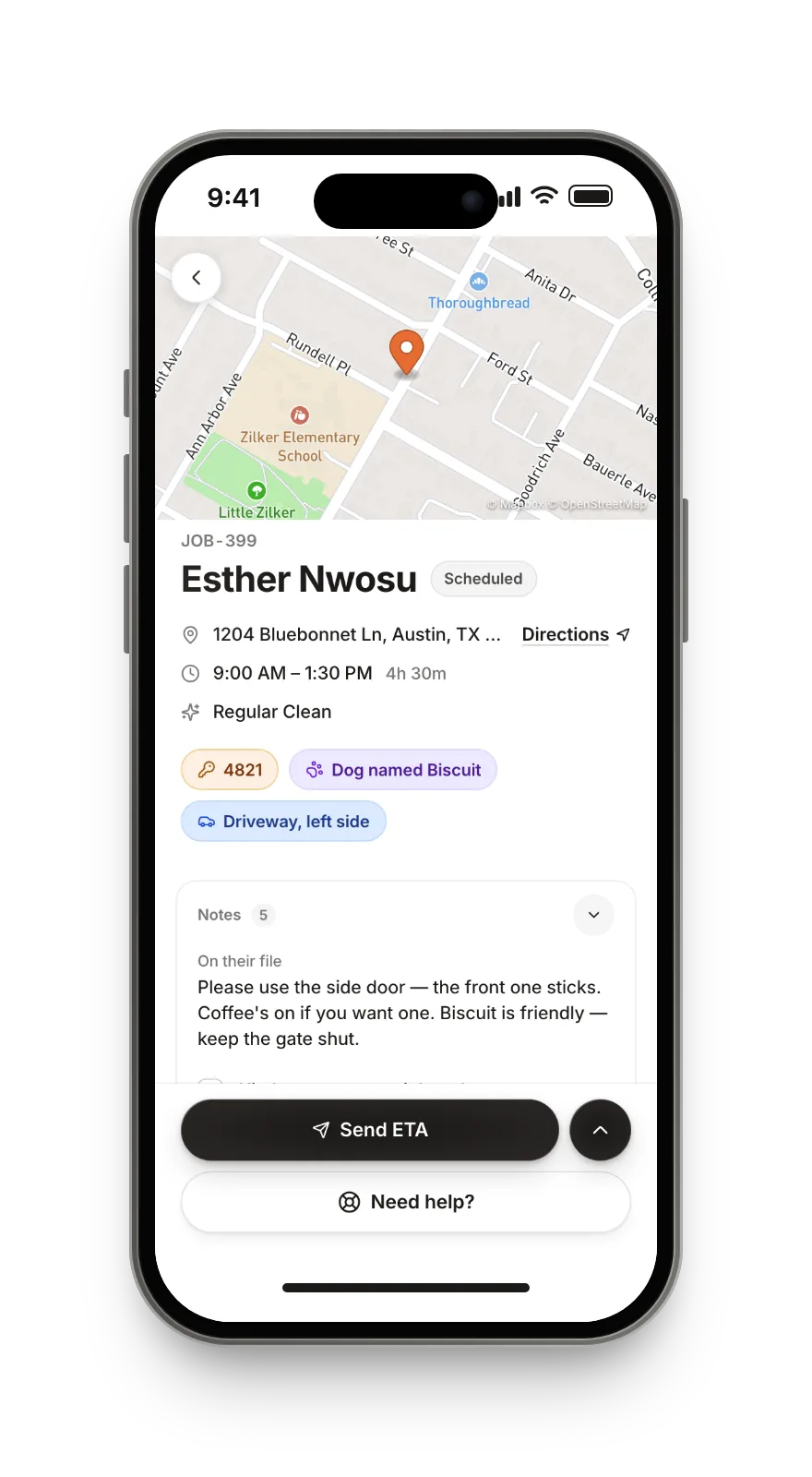
Your cleaners see their day.Door code, dog, checklist.
The App Store gives ZenMaid’s cleaner app 3.3 stars. Ours is the same app you use, opened from the home screen, and it works without signal.
- 1
Critical facts first
Door code, the dog, where to park. On the first screen, not buried in a note.
- 2
A checklist per clean
Ticked as they go. Photos and notes come back to you on the job.
- 3
One tap: Send ETA
The client gets a text from your business with the time. Cleaners never text clients from their own phone.
- 4
Job offers, not group texts
An open visit goes out as an offer with the pay on it. First to accept gets it.
- 5
Basement? Bad signal? It still works.
The app opens with no signal. Jobs you’ve opened, with their checklists, are on the phone. Ticks, notes, photos, Start and Complete save now and send when the signal is back, stamped with the moment you pressed them.
Needs signal: On the way, because it texts the client. Maps and directions. Jobs you never opened while online. Changes the office made while you were out.
Texting
Reminders go out.Nobody counts them.
Every text and email is part of the plan: the booking, the day-before reminder, on the way, the invoice, the receipt, the review ask. Each one is a switch, and you can change the wording.
Fresh Nest Cleaning
Getting Paid
Paid means paid.
Card on file through Stripe. The invoice charges itself after the clean, the receipt goes out, and one Paid pill shows on the job, the invoice and the client.
- Overdue invoices are chased on their own, on the schedule you set.
- Tips, part payments and refunds, each on the invoice.
- The Stripe account is yours. Leave and your clients’ saved cards stay with you.
- Export your invoices any time, in a form QuickBooks accepts.
The Honest Bit
Should you switch?Should you actually switch?
Stay with ZenMaid if…
- IncludedYou need GPS clock-in and to see cleaners on a map
- IncludedYou run payroll out of your scheduling software
- IncludedYou need Zapier or Mailchimp wired in
- IncludedYou want an App Store app and a 10,000-owner community
Switch to Service Puffin if…
- IncludedYou’re still texting “just checking in” about last week’s invoice
- IncludedYour bill went up because a part-timer needed a login
- IncludedA cleaner texted you for the gate code from the driveway. Again.
- IncludedYou turned reminders off to save on text bundles, and now clients forget
Feature By Feature
The full comparison.
Starting price
Appointments included
More logins
Text messages
Trial
Paying yearly
One-off and recurring jobs
Move one visit, or this and all later ones
Calendar and map of the day
Apple or Google calendar
On a phone
Day-before reminder text
On the way text
Review ask after each clean
Change the wording of any message
Booking page clients can request from
Booking page in your colours
Booking page with no vendor badge
Invoices with line items and tax
Card payments through Stripe
Card on file, charged after the clean
Overdue invoices chased for you
Receipt sent on its own
Tips, part payments and refunds
QuickBooks-ready export
Roster, roles and per-person pay
Checklists per clean
Photos and notes on the job
Cleaner hours and time off
GPS clock-in and location
Payroll
Zapier and Mailchimp
ZenMaid prices from their pricing page and its calculator, checked 9 September 2026. Texts are billed on top of every plan.
Switching
We move your clients over for you.
Export from ZenMaid, send us the file, and a person sets your account up with you on a call.
Export your clients
In ZenMaid, Customers then Export. If your plan will not let you, send whatever you have: a spreadsheet, a screenshot, a list.
Drop the file in, or we do
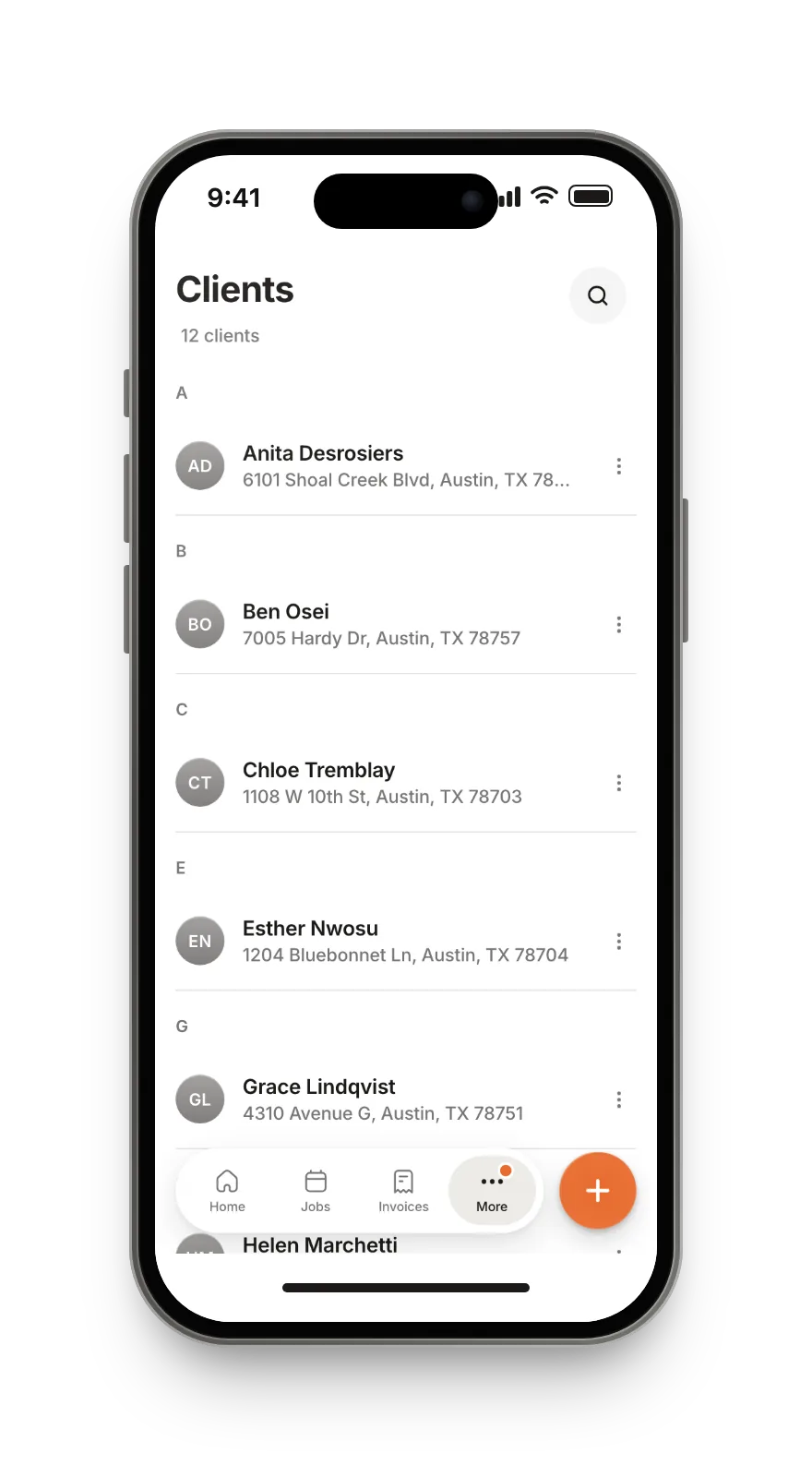
Names, numbers, emails, addresses and the dates they became your clients. You see a preview before anything is saved.
✓ Name✓ Phone✓ Email✓ Address✓ Client sinceRebuild the week, not the year
Recurring clients go in once and run forward. Run both side by side for a couple of weeks before you cancel anything.

Hi, I’m Ilona. I still clean houses.
I run my own cleaning company and built Service Puffin because I wanted software that charged one price, texted my clients without a meter, and let my cleaners see what they needed on the doorstep. When you write, I answer.
What people ask before they switch.
Bring your clients. Leave the seat fees.
14-day trial, no credit card. We move your clients over with you.
Or open the demo and run a real cleaning business for a day →